WiFi Scanner app icon

Scan, manage & share WiFi

WiFi Scanner & Analyzer is your smart solution for scanning WiFi networks, managing saved connections, and sharing WiFi access with ease — find nearby hotspots, check signal strength, view saved passwords and share them with a QR code.

Scan WiFi, view saved passwords, share networks with QR codes.
WiFi Scanner screenWiFi Scanner screen
What WiFi Scanner does

Everything for your WiFi in one app

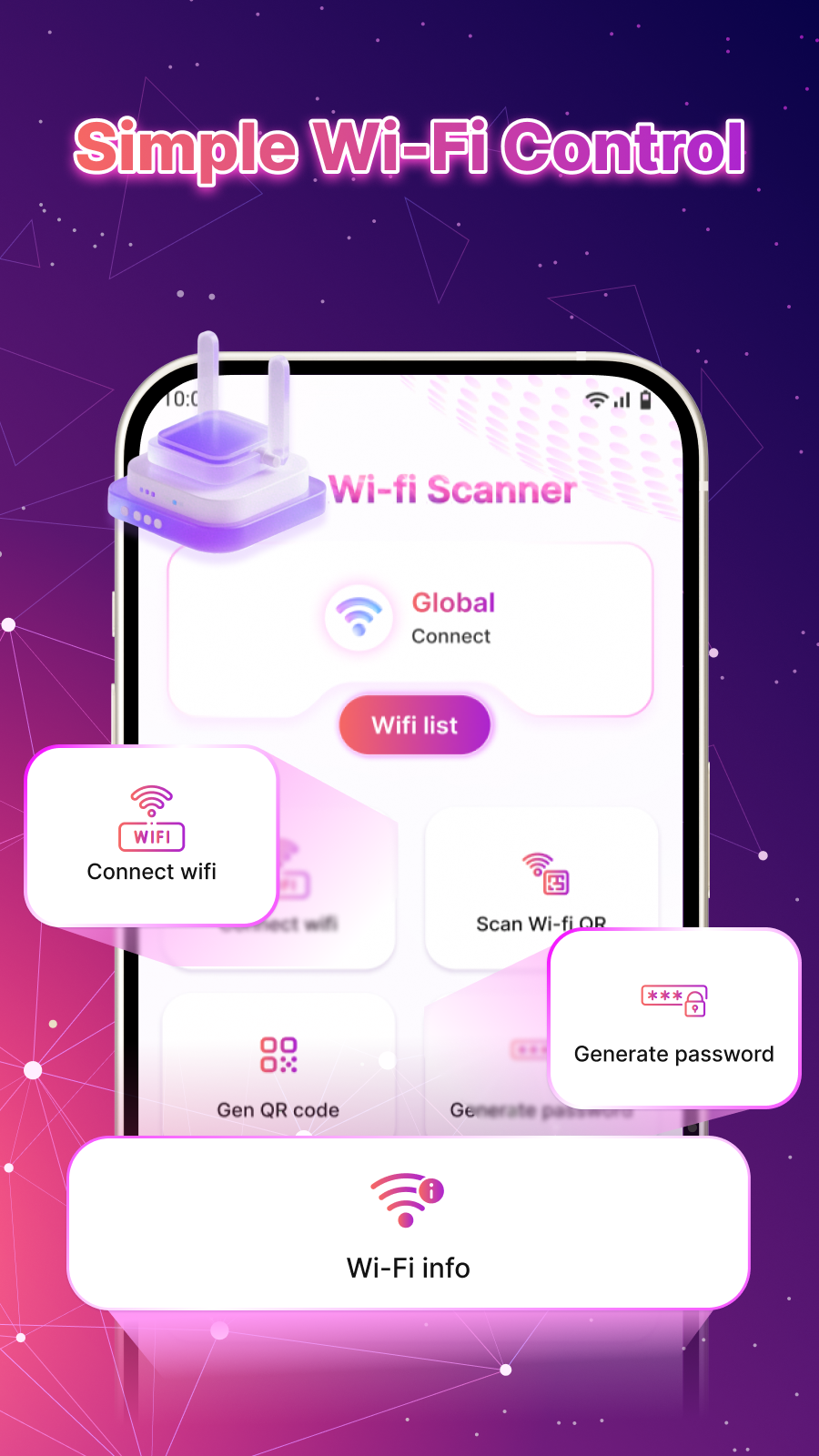
Scan and connect, manage saved passwords, share with QR codes, and check signal and connected devices.

Scan & Connect Instantly

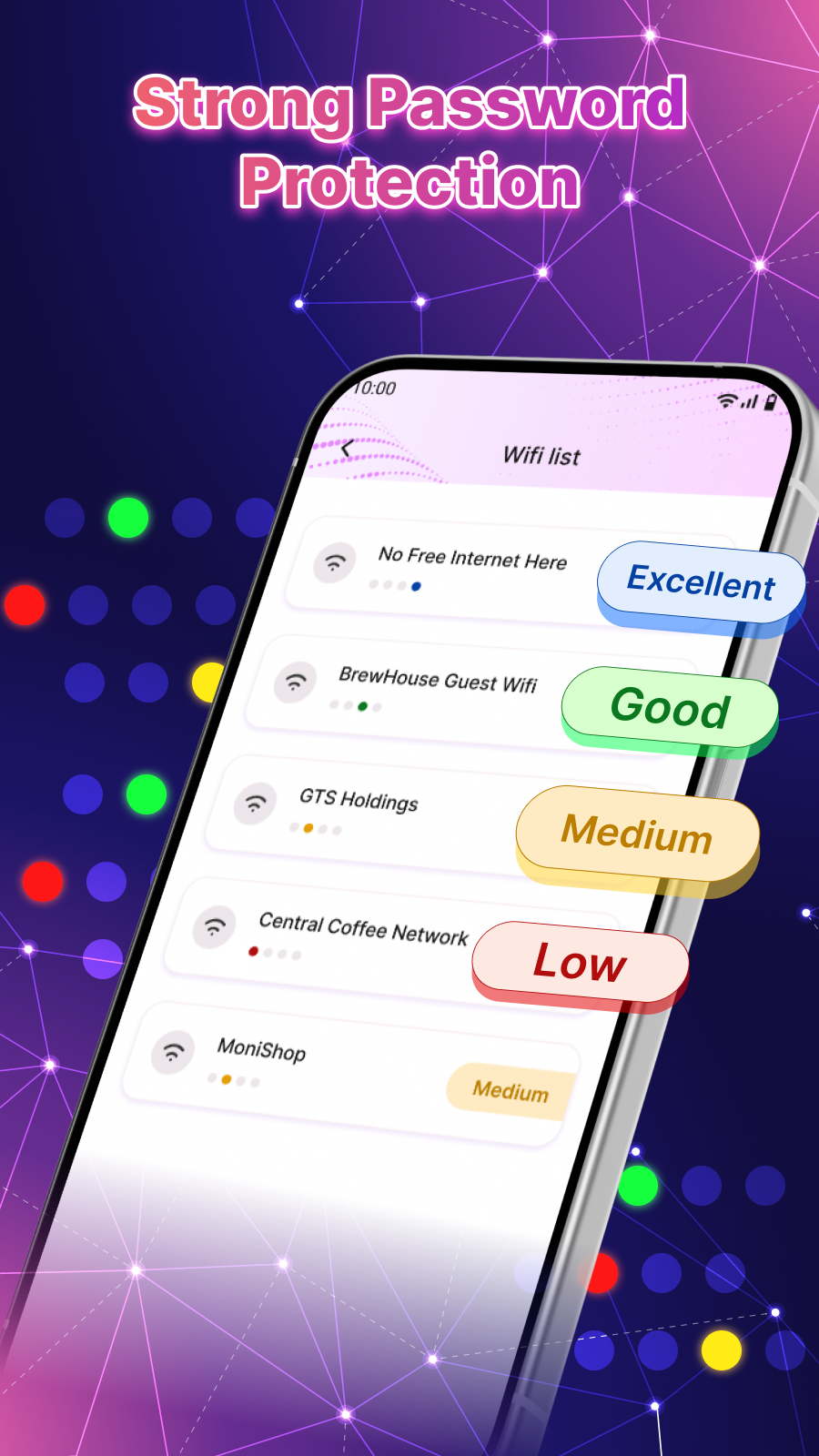
Detect nearby WiFi hotspots in real time, view signal strength to pick the most stable connection, and connect with ease.

Manage Saved WiFi Passwords

View passwords for networks you have previously connected to and retrieve saved credentials for personal use or secure sharing.

QR Code Tools

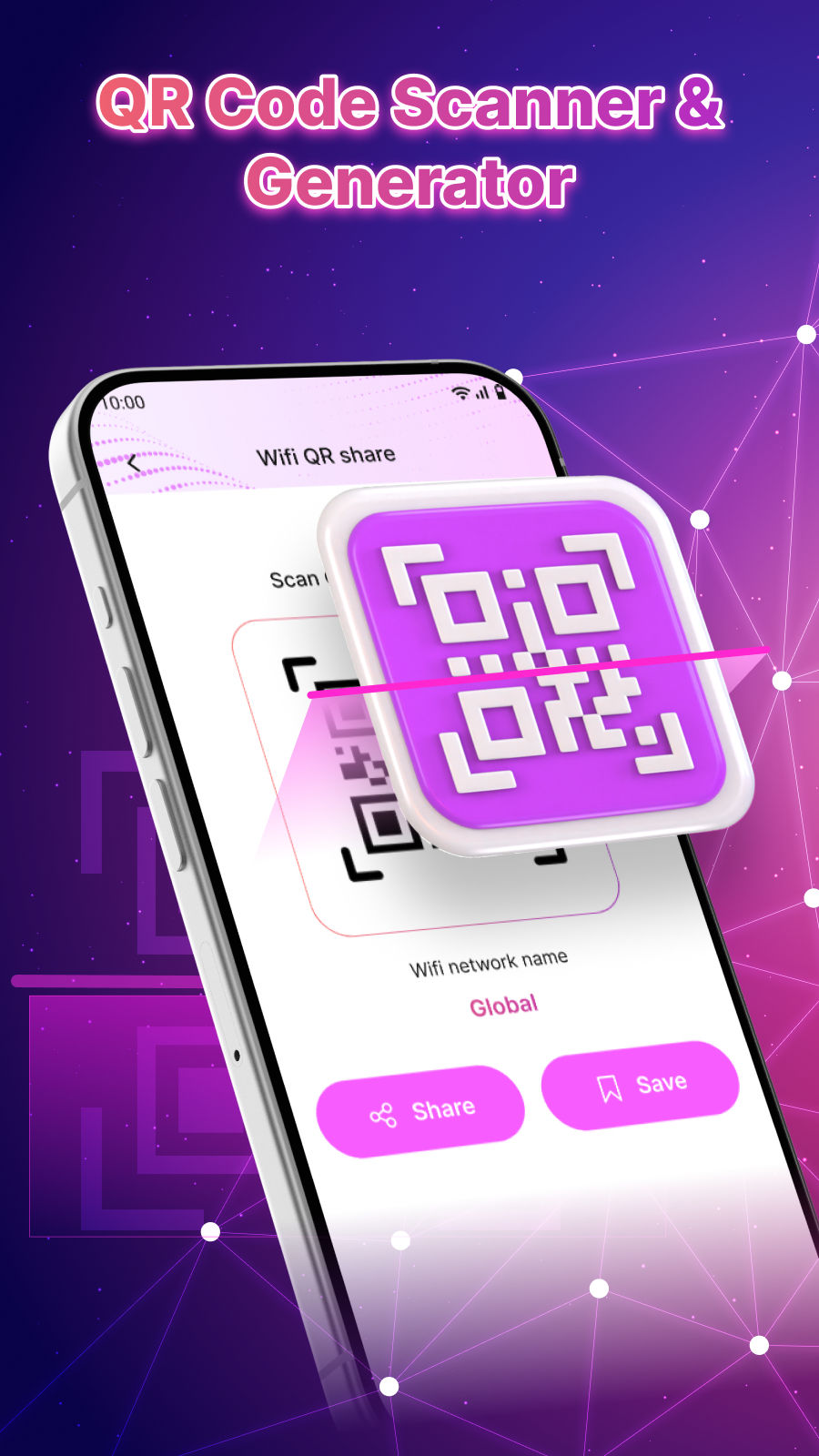
Scan WiFi QR codes for instant access, or generate a QR code to share your WiFi with friends and family without typing a password.

Improve WiFi Security

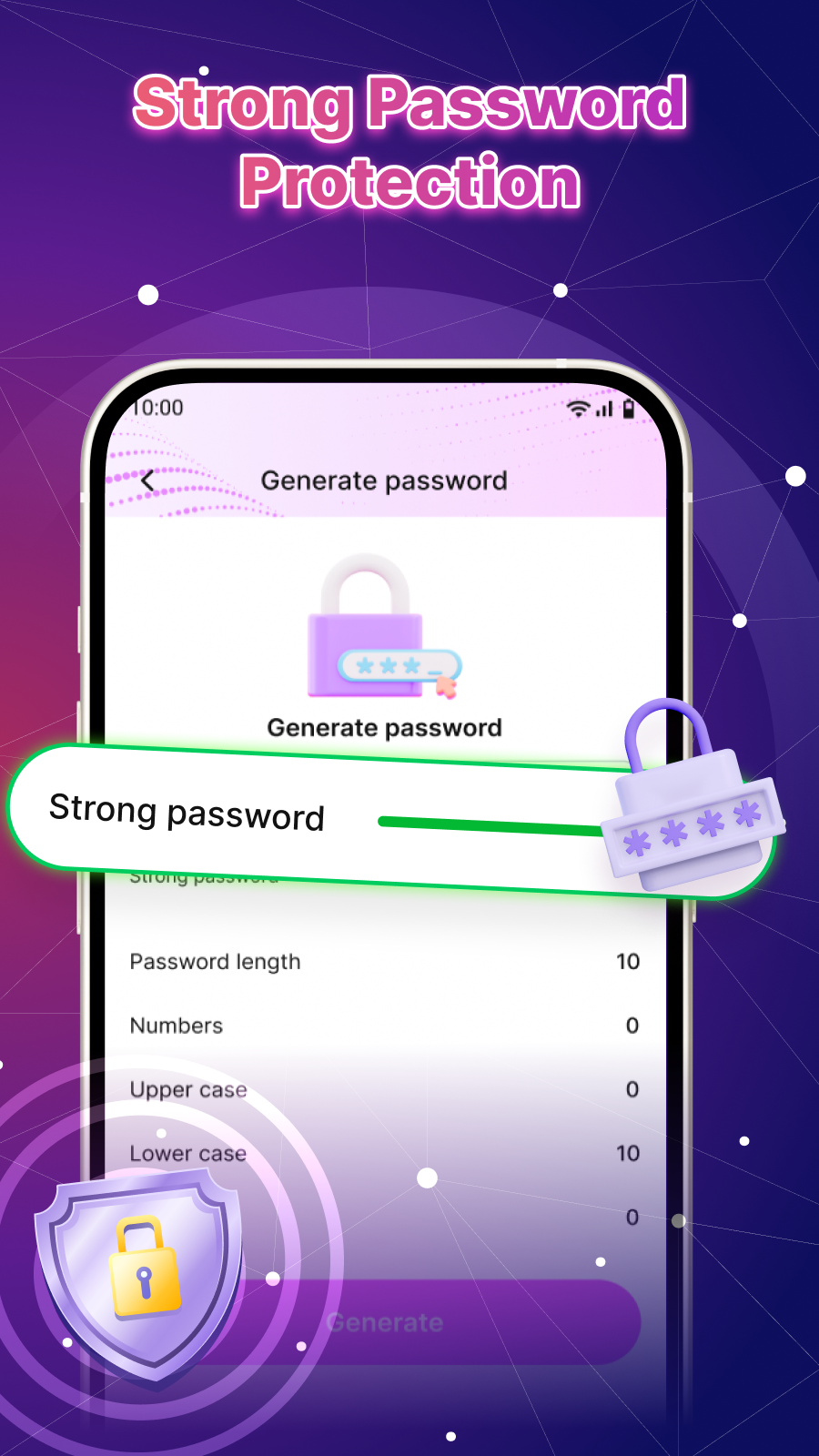
Generate strong, secure WiFi passwords and create reliable credentials to help protect your network.

Smart Network Utilities

Analyze signal quality and network performance, check the devices connected to your WiFi, and understand your connection better.

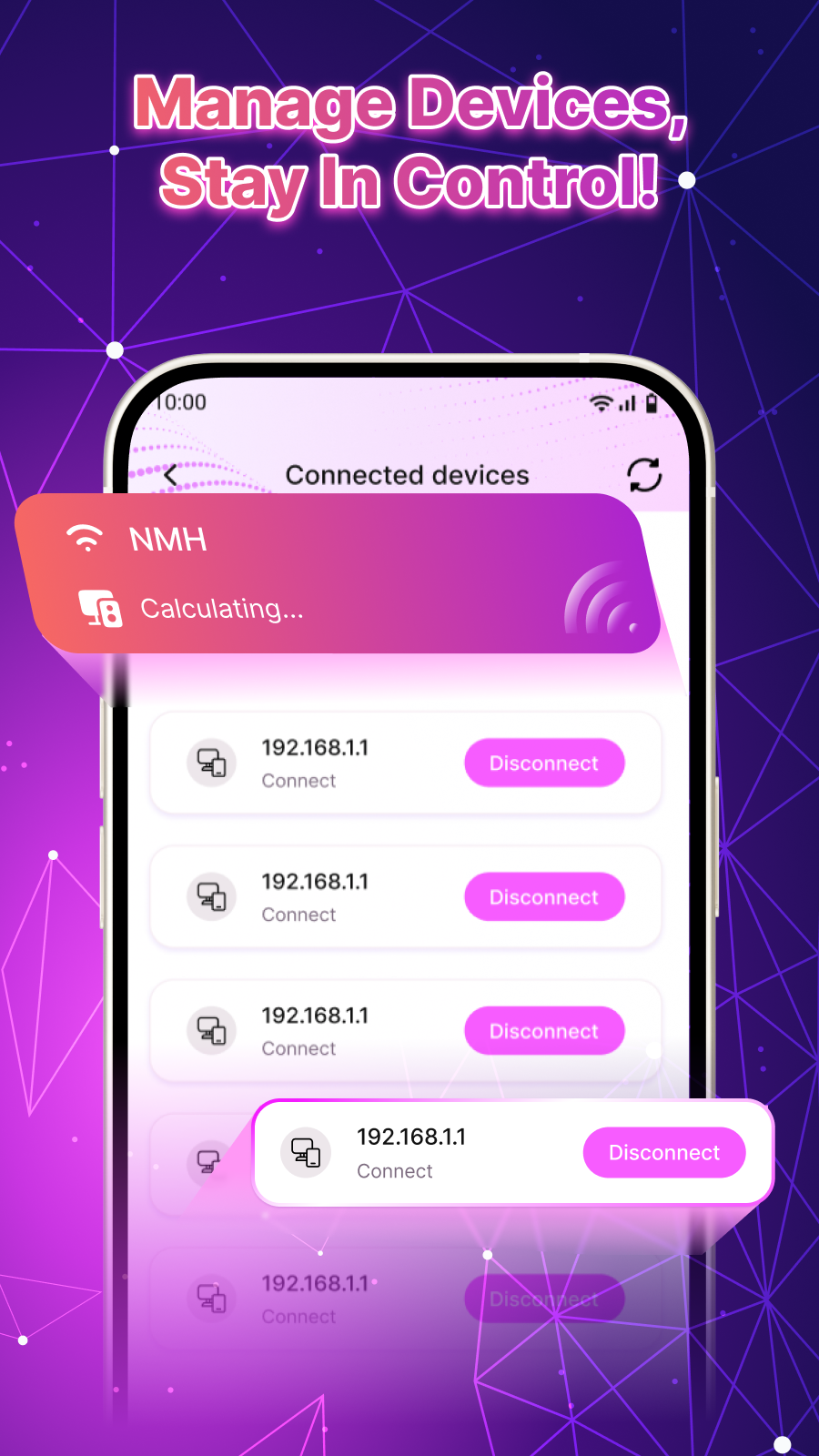
See Connected Devices

Keep an eye on what is connected to your network with built-in tools that stay entirely on your device.

Take a look

A peek inside the app

Every screen below is a real part of WiFi Scanner.

WiFi Scanner screen 1
Scan nearby WiFi networks
WiFi Scanner screen 2
Manage saved passwords
WiFi Scanner screen 3
QR code sharing
WiFi Scanner screen 4
Network utilities
WiFi Scanner screen 5
WiFi security tools

Your networks stay on your device

WiFi Scanner & Analyzer works on your device. Scanning for nearby networks and reading their names requires the Android location permission, and the QR scanner uses your camera only while you point it at a code — the app does not scan or record in the background.

Saved passwords and network details are read from your device and shown to you; the app does <strong>not</strong> upload your passwords, networks or connected-device lists to any server. Because the app is free and ad-supported, limited advertising identifiers are shared with the ad SDKs in the Privacy Policy.

  • Location is used only to scan and identify nearby WiFi.
  • Camera is used only while you scan a QR code.
  • Saved passwords and networks stay on your device — never uploaded.
  • Free and ad-supported — no account needed.
Please note. WiFi Scanner & Analyzer is a free, ad-supported network utility. Android requires the location permission to scan for and identify nearby WiFi networks; the camera is used only for the QR scanner. Saved passwords and network details are read on your device and are not uploaded. Use the app only on networks you own or are authorized to access. WiFi Scanner & Analyzer is an independent app and is not affiliated with any router maker or internet provider.
WiFi Scanner icon

Take control of your WiFi

Download WiFi Scanner & Analyzer to scan, manage and share your WiFi networks.